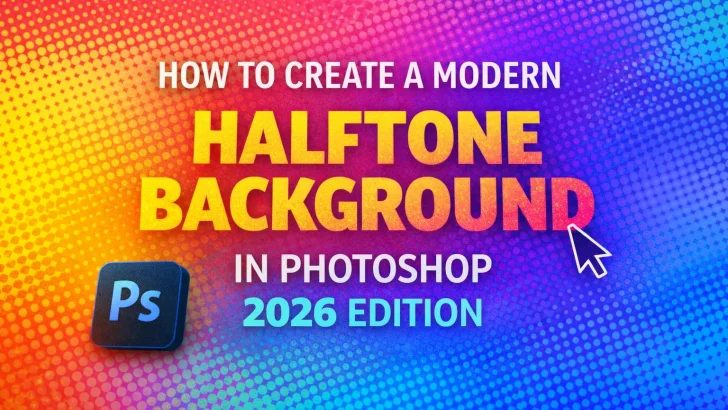
Learn how to create a modern halftone background in Photoshop with this step-by-step 2026 tutorial for designers, typographers, and content creators.

Halftone backgrounds are making a strong comeback in modern graphic design. In 2026, designers are reimagining halftone effects with cleaner aesthetics, bold contrasts, and digital precision—making them perfect for posters, branding, typography showcases, and social media visuals.
In this tutorial, you’ll learn how to create a modern halftone background in Adobe Photoshop, using techniques that work perfectly with today’s design trends and high-resolution displays.
Why Halftone Backgrounds Are Trending Again
Halftone patterns originated from traditional print techniques, where images were reproduced using dots of varying sizes. Today, designers love halftone backgrounds because they:
-
Add texture without overwhelming the design
-
Blend vintage aesthetics with modern visuals
-
Enhance typography and display fonts
-
Work well with bold colors and minimal layouts
In 2026, halftone backgrounds are often paired with expressive typography, experimental layouts, and handcrafted fonts, making them highly relevant for font designers and digital creatives.
What You Need Before Starting
Before diving in, prepare the following:
-
Adobe Photoshop (latest version recommended)
-
A high-resolution image or solid color background
-
Basic understanding of layers and filters
-
Optional: custom fonts for typography overlay
Step 1: Create a New Document
-
Open Photoshop and create a new document.
-
Use a large canvas size for flexibility (e.g. 3000 × 2000 px, 300 DPI).
-
Choose RGB color mode for digital use.
This ensures your halftone background looks sharp across screens and platforms.
Step 2: Add Your Base Image or Color
-
Place an image using File > Place Embedded, or
-
Fill the background with a solid color or gradient
High-contrast images work best for halftone effects, especially portraits, textures, or abstract shapes.
Step 3: Convert the Image to Black and White
-
Select your image layer.
-
Go to Image > Adjustments > Black & White or Desaturate.
-
Adjust contrast using Levels or Curves for stronger highlights and shadows.
This step defines how your halftone dots will appear.
Step 4: Apply the Halftone Effect
Method A: Color Halftone Filter (Fast & Classic)
-
Go to Filter > Pixelate > Color Halftone
-
Set:
-
Max Radius: 6–12 (adjust depending on resolution)
-
Channel values: same number for uniform dots
-
This creates a clean, classic halftone look suitable for modern design.
Method B: Bitmap Halftone (More Control)
-
Convert the image to Grayscale
-
Go to Image > Mode > Bitmap
-
Choose:
-
Output: 300 DPI
-
Method: Halftone Screen
-
-
Adjust frequency and angle to control dot density and style
This method produces sharper, print-style halftones—perfect for editorial or typography-focused designs.
Step 5: Add Color for a 2026 Look
Modern halftone designs rarely stay black and white. Try these techniques:
-
Apply Gradient Maps
-
Overlay bold solid colors with Blend Modes
-
Use pastel or neon palettes for futuristic vibes
Color transforms traditional halftones into contemporary visuals.
Step 6: Integrate Typography and Layout
Halftone backgrounds shine when paired with strong typography:
-
Use bold display fonts or brush fonts
-
Keep body text minimal and clean
-
Experiment with scale and negative space
This approach works exceptionally well for font previews, posters, and branding visuals.
Step 7: Add Finishing Touches
Enhance your background with subtle details:
-
Grain or noise for texture
-
Soft blur for depth
-
Layer masks to control focus
These finishing touches elevate your halftone background from basic to professional.
Best Use Cases for Halftone Backgrounds
Halftone backgrounds are ideal for:
-
Font presentation and specimen graphics
-
Album covers and posters
-
Editorial layouts
-
Social media visuals
-
Branding and packaging concepts
They provide texture and visual interest without overpowering typography.
Final Thoughts
Creating a halftone background in Photoshop is a timeless skill that remains highly relevant in 2026. By combining classic halftone techniques with modern color, layout, and typography, designers can create visuals that feel both nostalgic and cutting-edge.
Whether you’re showcasing fonts or building bold graphic compositions, halftone backgrounds remain a powerful design tool worth mastering.